

4.3/5
Average Rating
81,529
Review
811K+
Active Users
99.6%
Uptime
Open the phone camera and scan the TV code; a session link is created within 10 seconds
Enter the code sent to your phone; the selected device is added to the trusted list immediately
Finally enable PIN or fingerprint; later you can sign in with just one tap
Passwords are easy to see on a large screen, keep your phone nearby, and avoid copy-paste in public Wi-Fi as sessions may change quickly, especially in Dhaka's coffee shops or office lounges.
In low light, fewer wrong codes; on older Android devices, grant APK permissions the first time, then access will be faster

A short PIN works well; this is the easiest way to sign in quickly at night
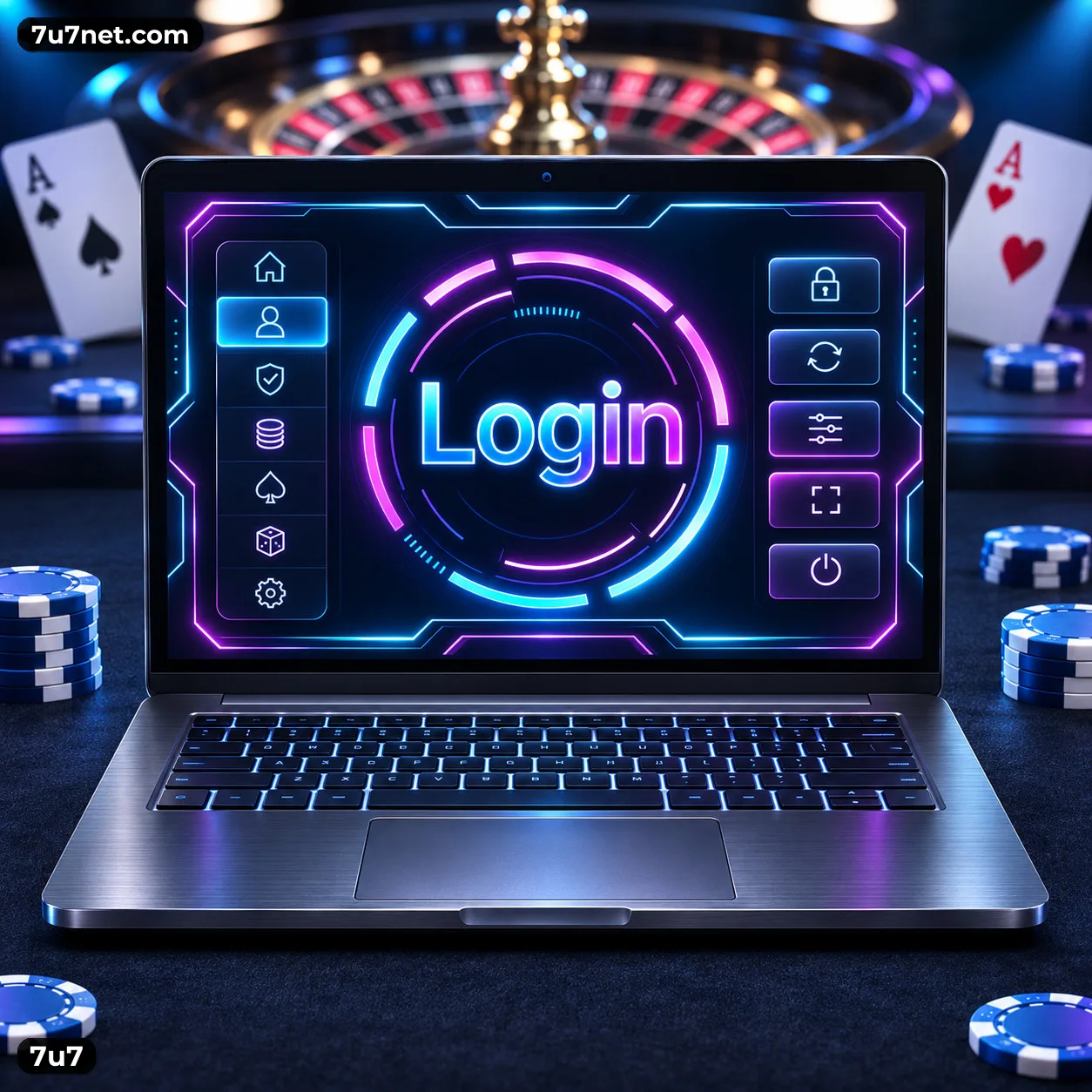
On a new phone, this first time opens Account Access in 2 steps
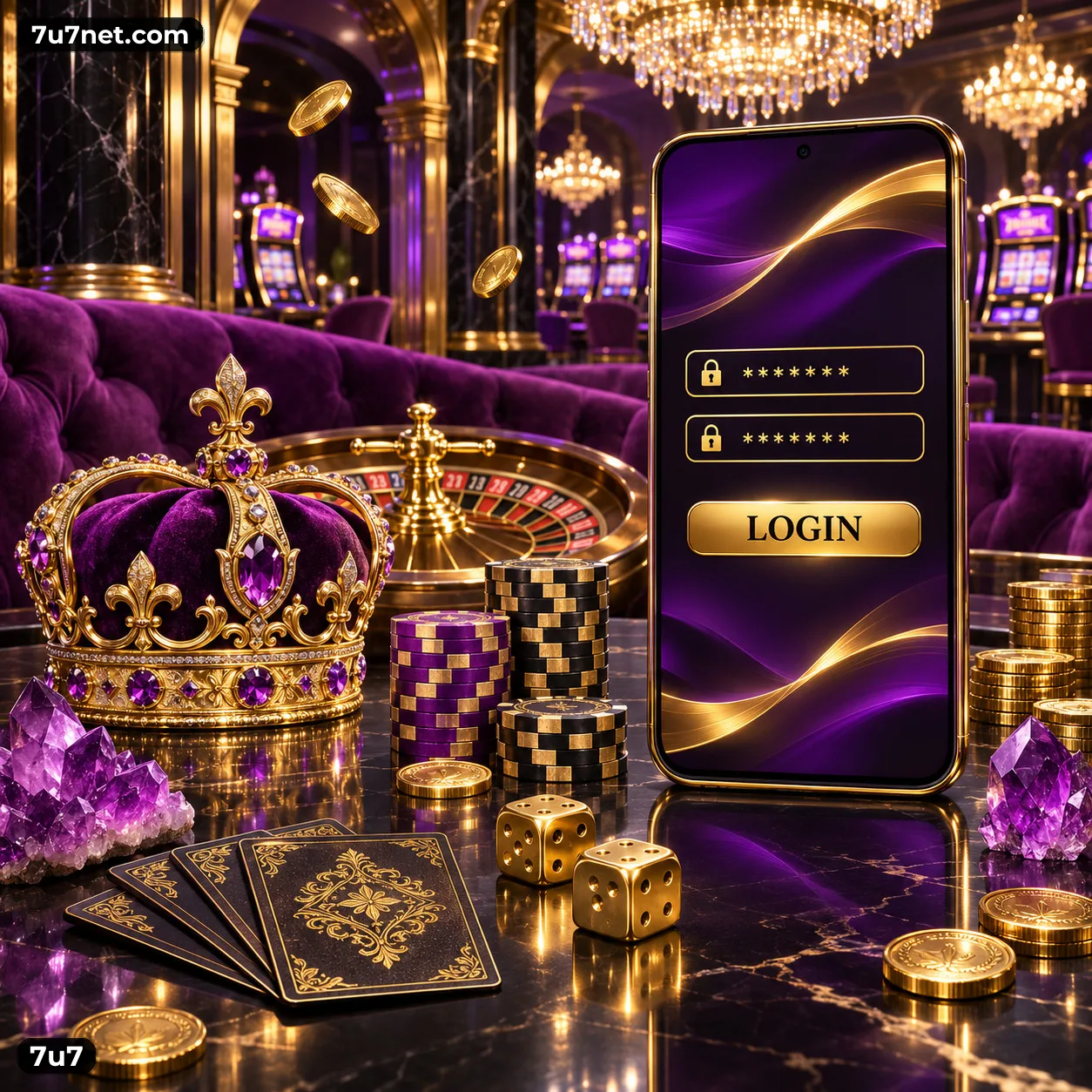
On supported phones, this is the most convenient one-tap login, and less hassle
Many users in Bangladesh set device lock before transactions with bKash or Nagad; Rocket users also typically follow the same practice, as it keeps accounts secure.
Return to the login page, then get the reset code; Account Access usually returns within 1 minute.
Yes, but a phone is required for the initial setup; later you can sign in quickly from saved devices.
Switch networks, then try again; light sessions run well on 3G if you close background apps.
Register and complete login on mobile; users of bKash, Nagad, and Rocket usually verify their profile first, then run the APK comfortably.
In the final step, start with the button below Login; you will have secure verification and fast account access in one place.
Start Registration Go to Login Page